
SQLServerCentral Syndication
All posts in this category get syndicated to SQLServerCentral.com
-

Import MS Best Practice Policies
Let’s take a look at how to import the Microsoft Best Practice Policies into your Policy Based Management Server. You can also import policies that you have exported from other servers. The Microsoft Best Practice Policies are a great place to start learning what you can do with PBM, by simply importing them and inspecting their…
-

How to setup CMS
If you need to setup a Central Management Server or just want to check it out, then here is how to do it. Open SQL Server Management Studio and connect to the SQL instance you want to host your CMS. By default SSMS does not show you the Registered Servers pane. If you do not…
-

How to move Cluster MSDTC Drive
I recently had the need to move the MSDTC for a cluster to a new SAN drive. It’s a quite simple thing to do, but you can’t redirect the MSDTC resource to a new drive. Let’s just walk through the basic steps. The first thing you need to do is get the new drive added to the cluster and…
-

How to move Cluster Quorum Drive
I recently had the need to move the quorum for a cluster to a new SAN drive. It’s a quite simple thing to do, but some of the options and locations of the cluster resources itself are a little hidden in Windows 2008. Let’s just walk through the basic steps. The first thing you need to do…
-

How to move the TempDB Database
Note that TempDB is recreated every time SQL starts. Why is this important? It means we don’t have to move the physical file on the file system. First we need to know the name and file location of the TempDB database files. When you change the location, make sure to keep the same name. Technically we don’t…
-

How to move the MSDB database
First we need to know the name and file location of the MSDB database files. When you change the location, make sure to keep the same name. Technically we don’t need the current physical path, but it’s just a good idea to have it documented in case things go badly. Next we need to tell SQL where…
-

How to move the Model Database
First we need to know the name and file location of the Model database files. When you change the location, make sure to keep the same name. Technically we don’t need the current physical path, but it’s just a good idea to have it documented in case things go badly. Next we need to tell SQL where…
-

How to move the Master database
The catch to moving the Master database is that you must also move the Resource database. Microsoft states that the Resource database must reside in the same location as the Master database. You can see their instructions HERE on how to move the Master database. However, on my cluster I did not find the Resource…
-

How to add your CMS server to a group
You cannot add a connection to your CMS server, on your CMS server. Well that is what I thought until SQLSaturday in Houston, where John Sterrett (Blog|Twitter) pointed out that you can use an IP address. I think Microsoft prevents this primarily because you already have a connection defined for it simply by virtue of it…
-

T-SQL Tuesday Mirroring and SSWUG
This month’s T-SQL Tuesday is hosted by Allen Kinsel (Blog|Twitter) and covers “disasters and recovery”. My favorite DR solution is mirroring. Mirroring is easy to setup and fast, if implemented properly. It’s a database level solution that allows you to keep a remote copy of your database in sync with your principal database. Everything is…
-
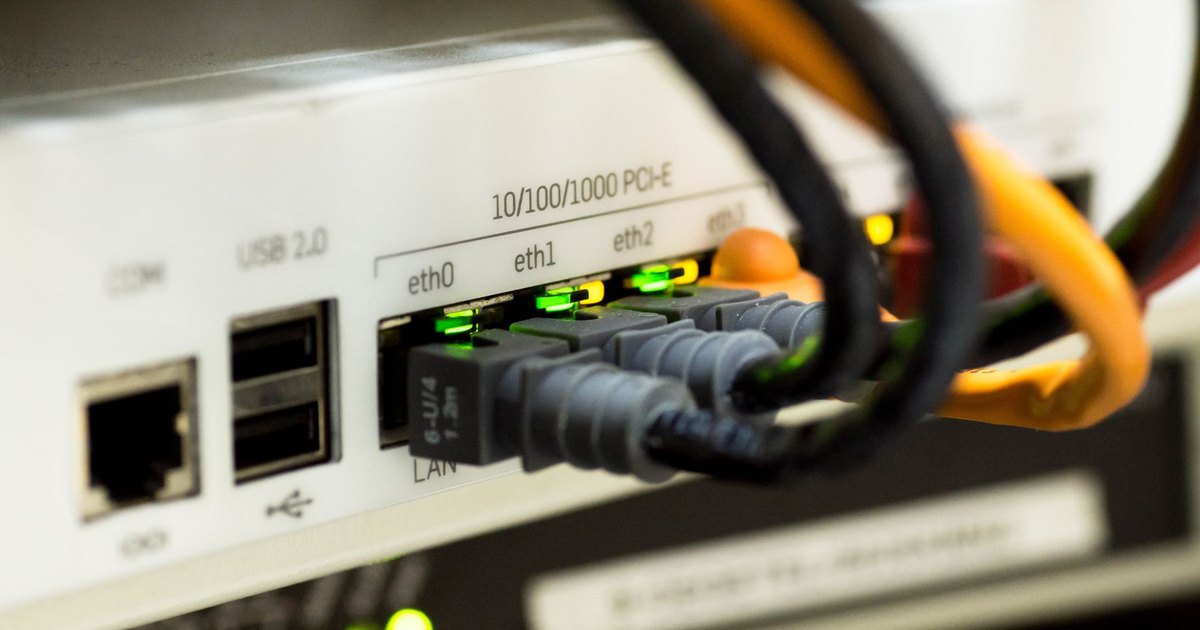
My DSN Does Not Work on Windows 64bit
How to create a DSN on Windows 64bit for your 32bit application
-

When to use SQL Mirroring Timeout
How to set SQL Mirroring TIMEOUT and 2 scenarios where you want to.